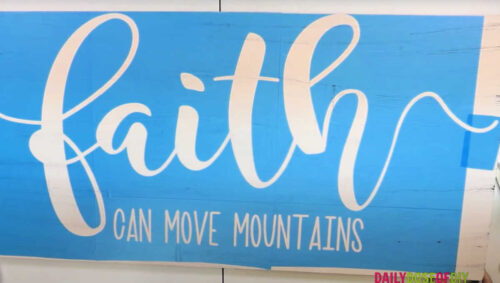
How to Make a Larger Than Mat Stencil with Your Cricut Hello crafty friends, today we’re going to be cutting a stencil that is larger than a Cricut cut mat. One of the downfalls of Cricut is the limited cutting size. The largest size a Cricut can cut is 11.5″ x 23.5″ on their larger […]
Welcome to Cricut
Reverse Weeding Vinyl -How to Cut then Weed Small Letters and Intricate Designs
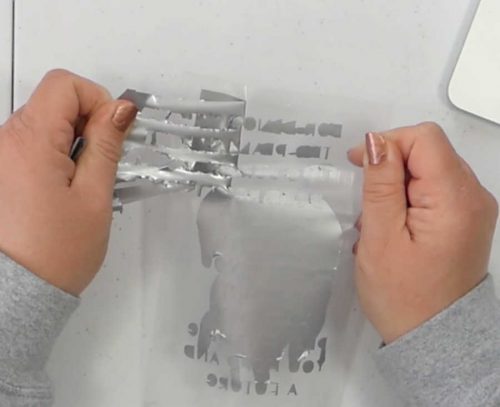
How to Cut and Weed Small Vinyl Letters Hello crafty friends! Today I’m going to help you out with two little tips for cutting and weeding vinyl: how to cut small vinyl letters and how to go about weeding intricate vinyl designs. These can be tricky, because the small letters can easily […]
How to Put Pictures into Text with Your Cricut
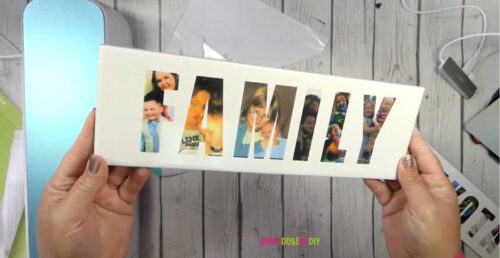
how to make gorgeous photo name plates with your Cricut. You’ll learn how to turn your own photographs into letters and put them on tiles to display.
How to Apply Vinyl Straight and Without Wrinkles
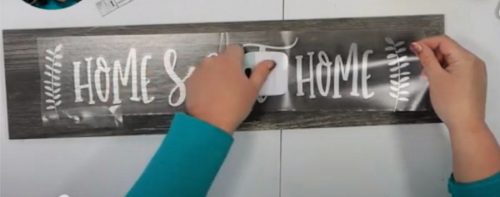
How to Apply Vinyl with the Hinge Method Hello crafty friends! Today I’m going to show you how to apply adhesive vinyl using the hinge method. This will help you to apply your vinyl straight and without any wrinkles or bubbles, and it will work for just about any surface you could want to […]
Easy to Make Reverse Canvas Cricut Tutorial
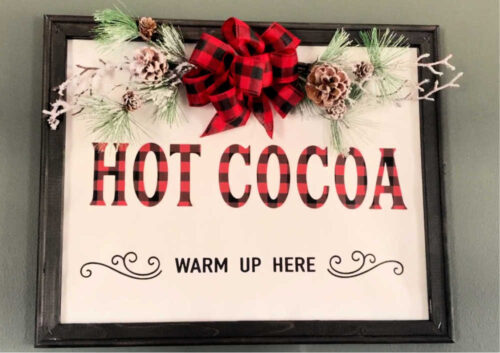
Reverse Canvas Tutorial Hello crafty friends! Today I have some reverse canvas ideas for you, using heat transfer vinyl and a heat press. I’ll take you through every step and give you some different options that you can try. And, of course, we’re going to cut it all with our Cricut! If you’d […]
How to Slice on Cricut Step-by-Step
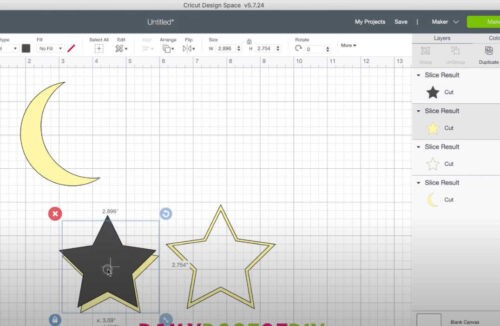
How to Use the Slice Tool in Cricut Hello crafty friends! Today I’m going to show you how to use the Slice tool in Cricut Design Space so that you can split images and letters, and make all sorts of fun designs. It’s an easy tool to use once you know how, but it does have […]
How to Offset Text in Cricut Design Space to Create Shadows
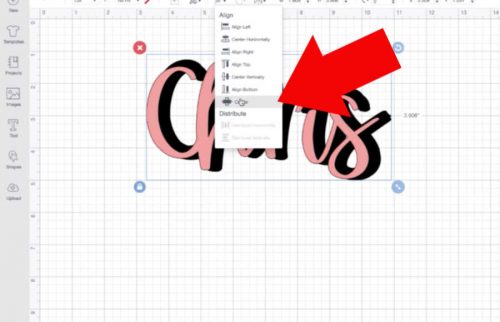
How to Offset Text in Cricut Design Space Hello crafty friends, today I’m going to show you how to offset text in Cricut Design Space. If you’ve been using Cricut for a while, you may remember that back, maybe a year ago, there was a trick we could use to offset text. We […]
Which Vinyl Do I Use? Inside Scoop for Beginners
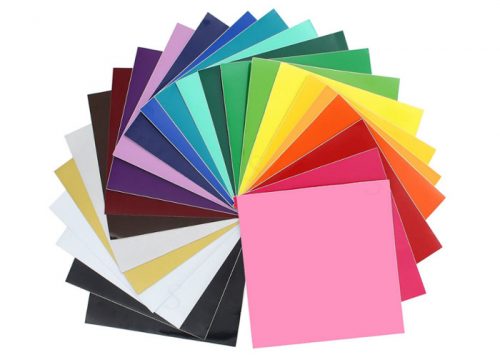
What is the best vinyl to use with a Cricut? Did you get a new Cricut recently? Knowing which is the best vinyl for Cricut and what you should use on your project can be tricky at first. All it takes is a few minutes in a Facebook craft group and you will see things […]
DIY Hanging Plant Stand From Start to Finish
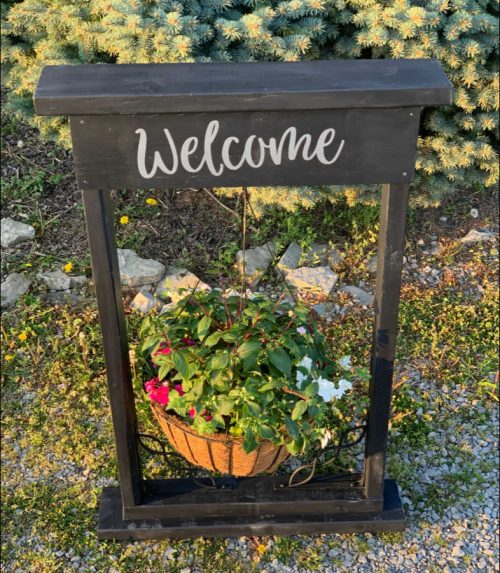
DIY Hanging Plant Stand Hello crafty friends, today we’re going to make a DIY outdoor plant stand. This is a great idea for front porches or flower beds. You’ll learn how to make a hanging basket plant stand from start to finish. These are a great low-cost craft, plus it’s one of those […]
How to Connect Cursive Letters on Cricut
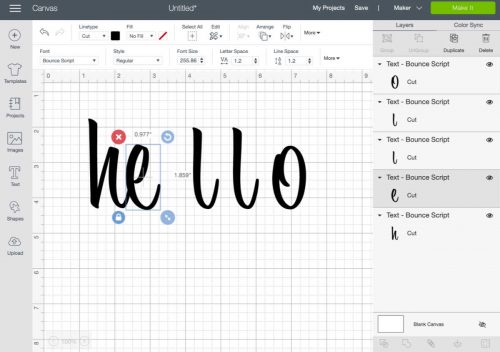
How to Connect Cursive Letters Hello crafty friends! Have you ever wondered why script letters are spread so far apart in Cricut Design Space? I’m not sure why Cricut doesn’t connect cursive letters for us, but today you’ll learn two ways you can get them to connect. Or maybe you’ve tried moving […]
DIY Growth Chart Ruler with Cricut Joy
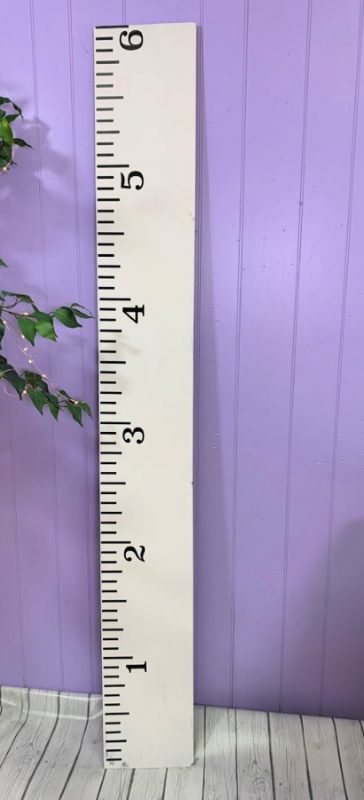
DIY Growth Chart Ruler Hello crafty friends, today I have a fun DIY Growth Ruler project for you. You can make this 6-foot Ruler using your Cricut Joy, Cricut Maker 3 or Cricut Explore 3. I also have a free growth chart template SVG file for you, so you can make your very own […]